


Targeting website isn’t dependent on their size. Hackers do not choose victims by size. Automated bots scan thousands of sites every hour, looking for weak passwords, outdated software and open doors. Once they find one, they can inject malware, steal customer data, redirect your visitors or even take your site offline completely.
The damage goes beyond a broken page. Search engines can blacklist an infected site, visitors lose trust, and cleaning up after an attack can cost days of work and real money. The good news is that most attacks are preventable. In this guide, you will learn 7 powerful ways to improve malware protection for your website, explained in simple, practical steps that anyone can follow.
Table of Contents
The Real Cost of Leaving Your Website Unprotected
Hacking is a business problem. Customers who see a security warning rarely come back, and search engines may remove an infected site from their results for weeks. If your website collects names, emails or payments, a breach can also lead to legal trouble and loss of customer trust that takes months to rebuild.
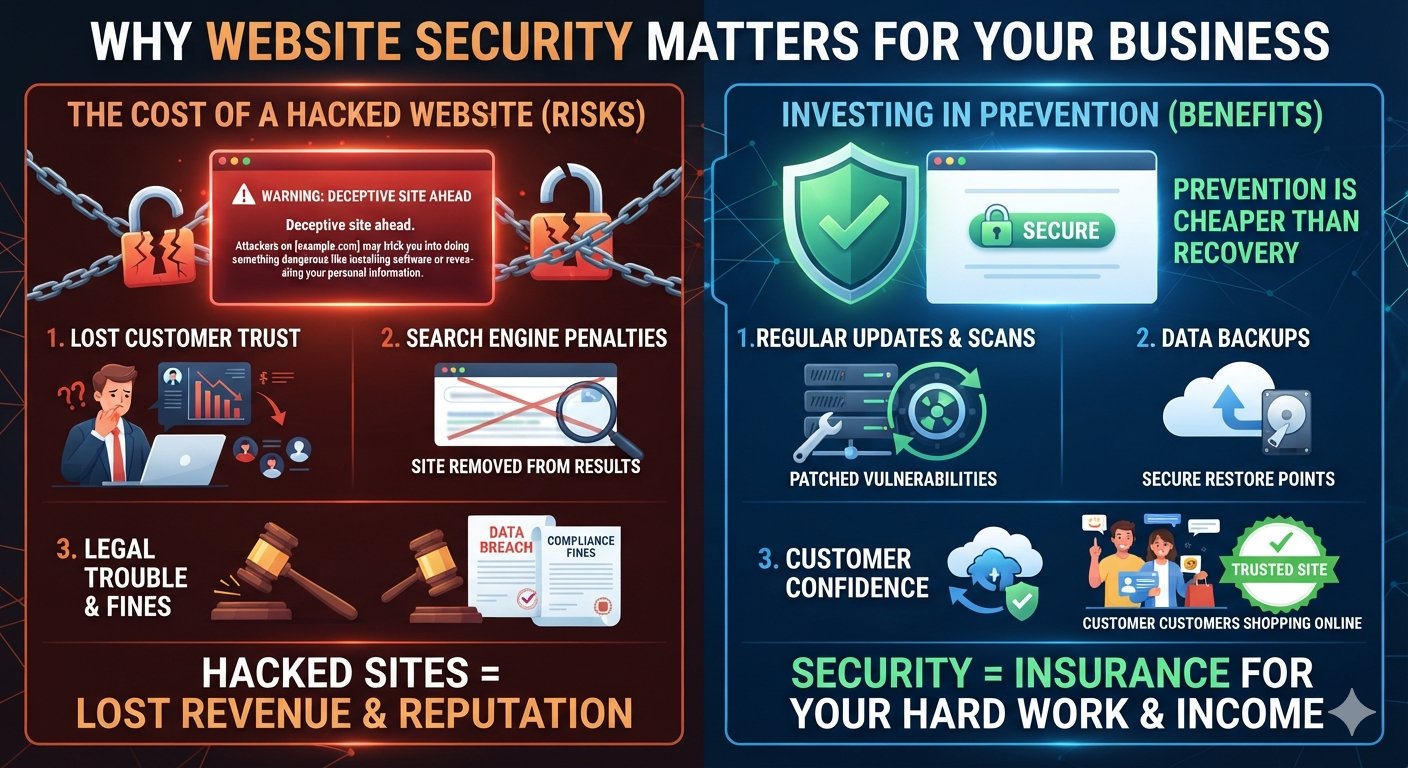
Prevention is also far cheaper than recovery. Spending a little time each week on updates, scans and backups costs much less than paying for emergency cleanup, lost sales and damaged reputation. Think of website security as insurance that protects your hard work, your visitors and your income.
Understanding Malware: What It Is and Why Hackers Use It
Malware is short for malicious software. It is any code designed to damage, disrupt or gain unauthorized access to a website, a server or the people who visit it. Common types of website malware include:
- Backdoors: hidden entry points that let hackers return even after you change your password.
- Redirect malware: sends your visitors to spam or scam websites without their knowledge.
- Phishing pages: fake login forms planted on your site to steal user details.
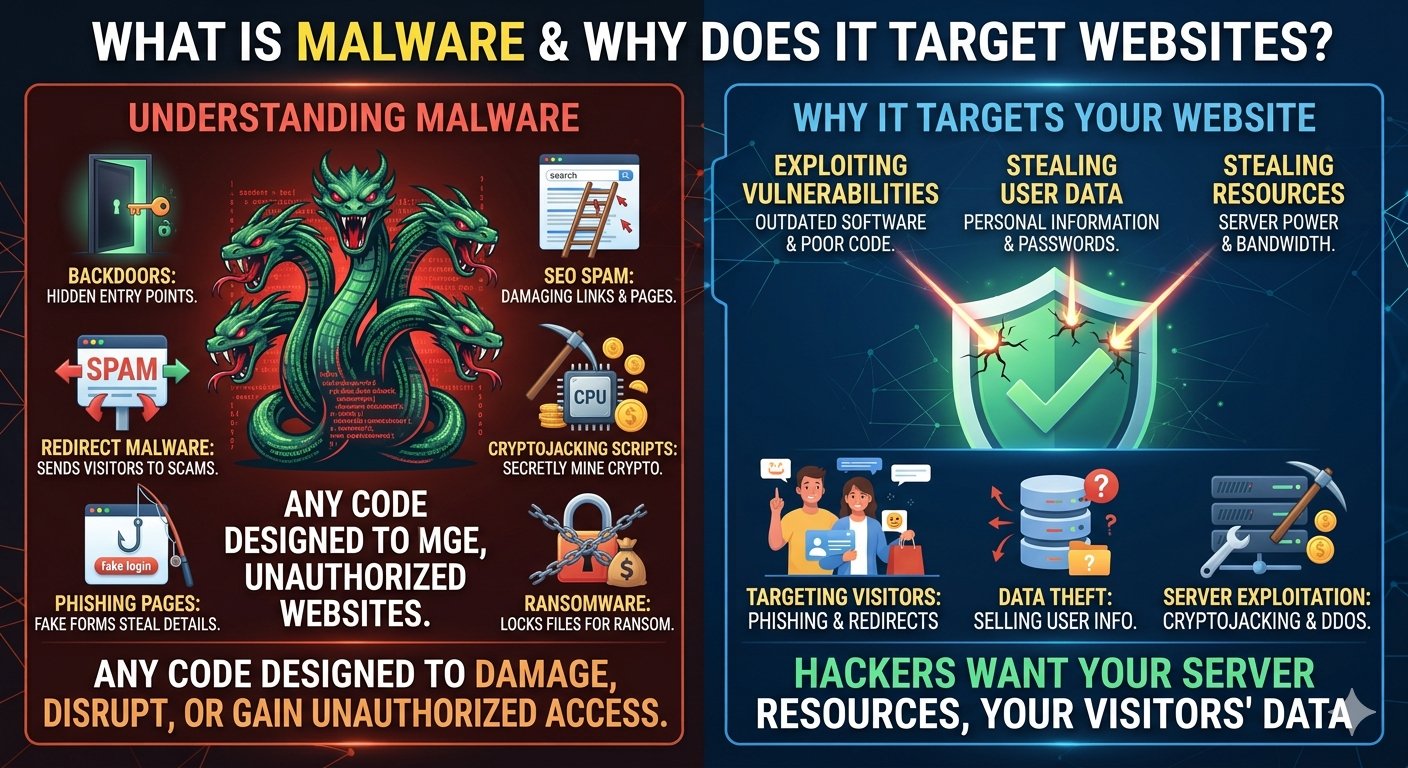
- SEO spam: hidden links and pages that damage your search rankings.
- Cryptojacking scripts: secretly use your server’s power to mine cryptocurrency.
- Ransomware: encrypts your data and demands payment before you can access it again.
Attackers go after your server power, your visitor’s personal details and your website’s good name. Once you know how malware operates, blocking it becomes far simpler. Understanding how malware works makes it much easier to stop.
How Does Malware Get Onto a Website?
Most infections are not the result of advanced “movie-style” hacking. They happen through simple, avoidable gaps:
- Old plugins, themes or CMS release that still carry unpatched security flaws
- Weak or reused passwords on admin, FTP or hosting accounts
- Pirated (“nulled”) themes and plugins that already contain hidden code
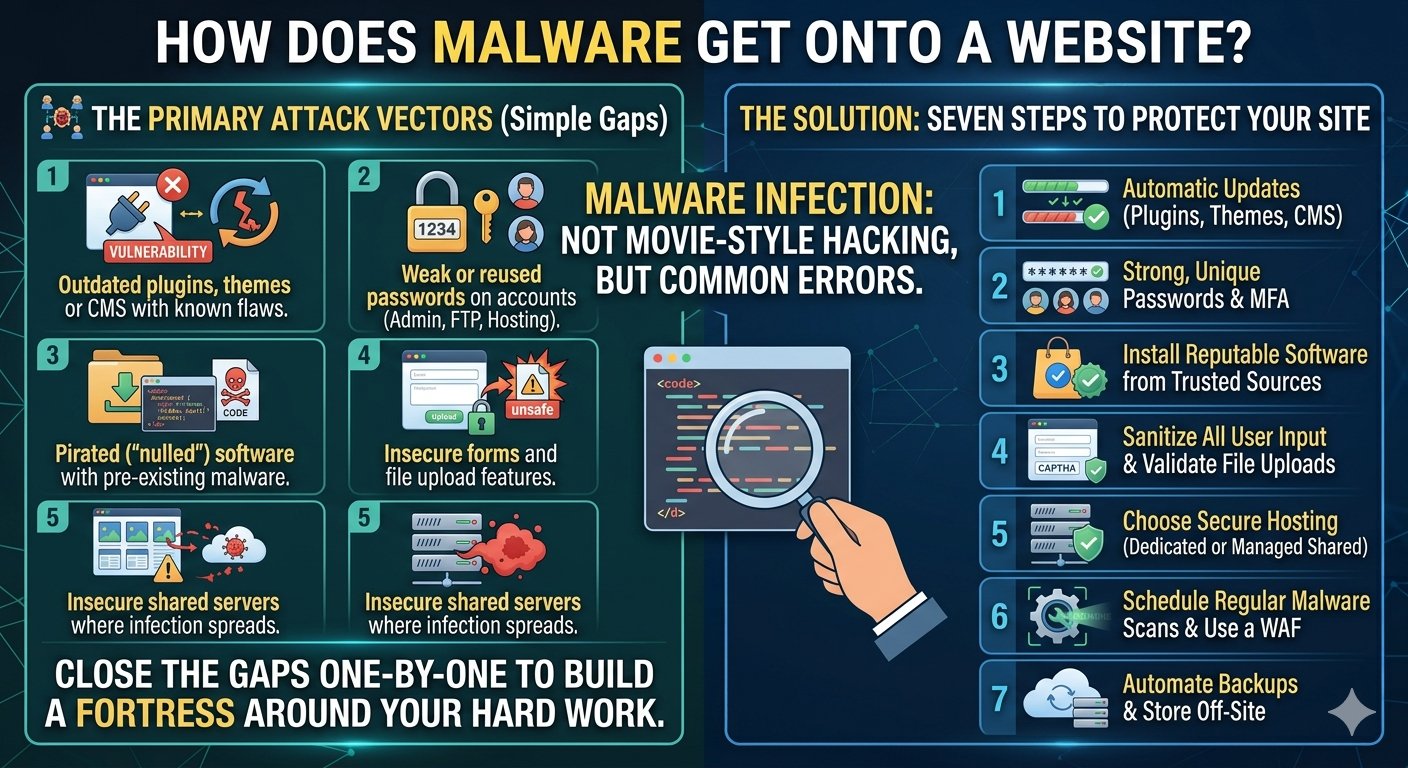
- Insecure forms and file upload features
- Poorly secured shared servers where one infected site spreads to others
The seven steps below close each of these gaps, one by one.
1. Keep Your Website Software Updated
Most website break-ins start with software that nobody bothered to update. Content management systems, plugins, themes and scripts all receive regular security patches. Each update closes a vulnerability that attackers already know about, and they actively scan the internet for sites that have not installed the fix.
- Update your CMS (such as WordPress), plugins and themes as soon as updates are released.
- Delete any plugin or theme you no longer use. Unused code is still a risk.
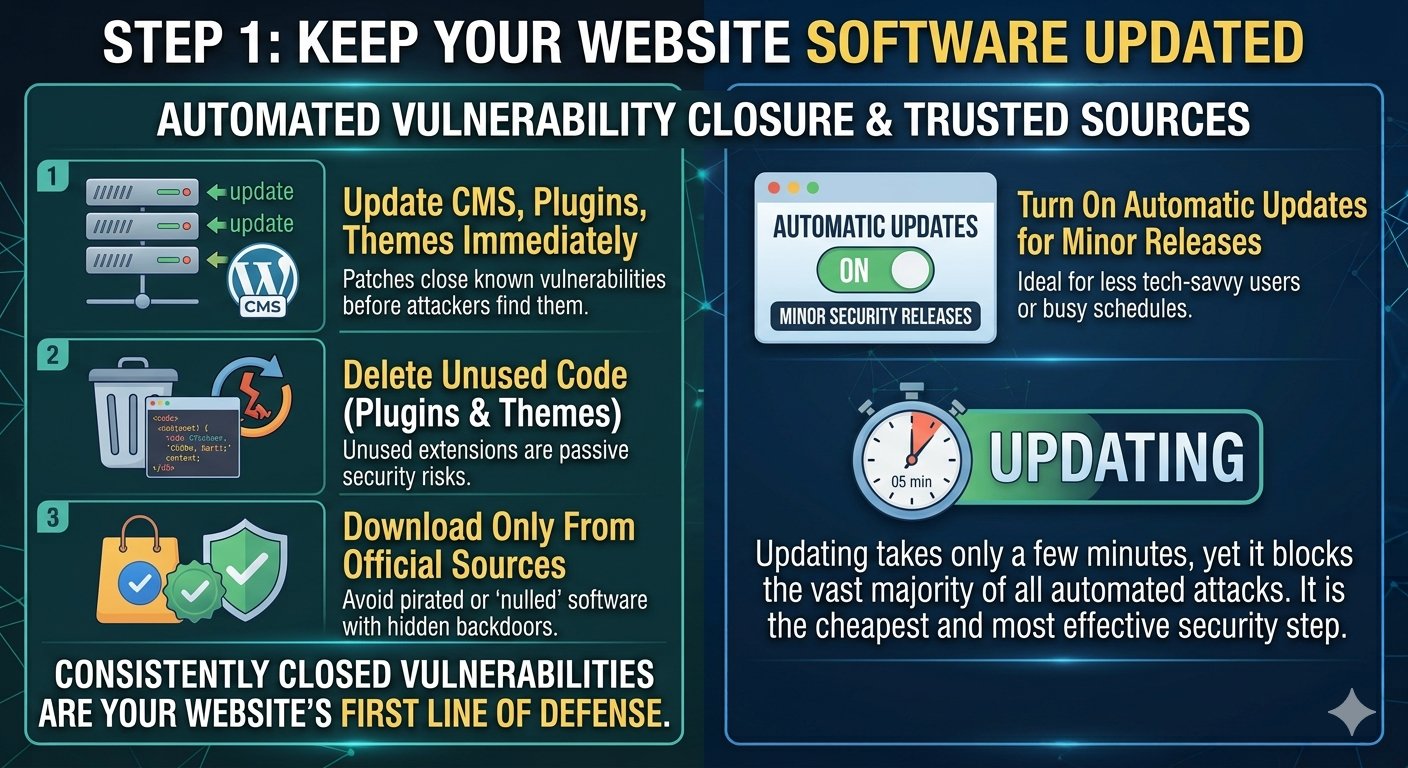
- Download software only from official or trusted sources. Pirated themes often come pre-loaded with hidden backdoors.
- Turn on automatic updates for minor security releases if manual updating feels like too much work.
Updating takes only a few minutes, yet it blocks a large share of attacks.
2. Use Strong Passwords and Two-Factor Authentication
Weak passwords are an open invitation. Attackers use brute-force tools that try thousands of password combinations in minutes, and they also test passwords leaked from other websites.
- Use passwords with at least 12 to 16 characters, mixing letters, numbers and symbols.
- Never reuse the same password across your hosting account, CMS, email and FTP.
- Use a password manager to store everything safely.
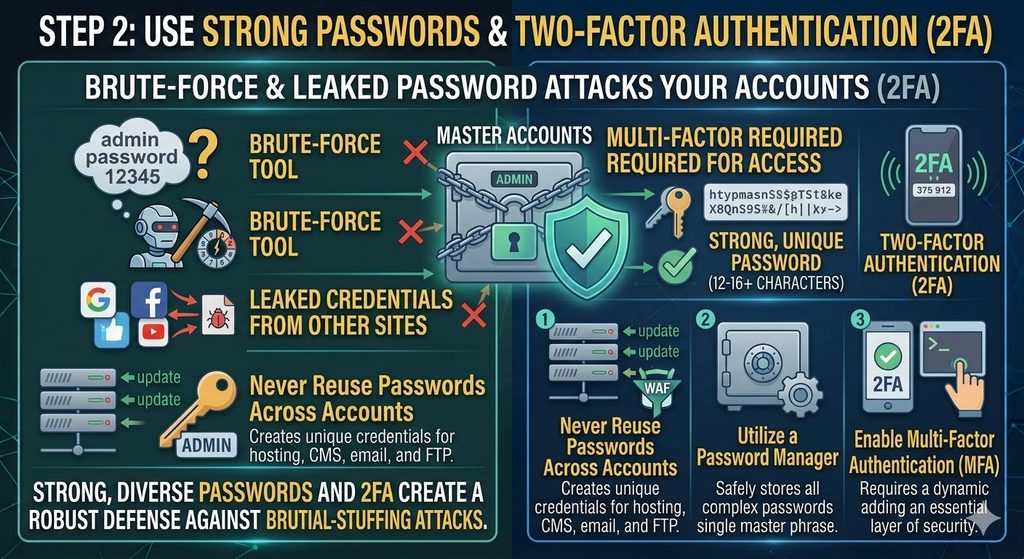
- Enable two-factor authentication (2FA) so a stolen password alone is not enough to get in.
- Avoid obvious choices such as your name, your website name or “admin123”.
This one habit blocks a huge share of break-in attempts, and it costs nothing.
3. Install a Web Application Firewall (WAF)
A web application firewall sits between your website and the internet. It filters incoming traffic and blocks suspicious requests before they reach your site. That includes SQL injection attempts, cross-site scripting and bot attacks that try to upload malware.
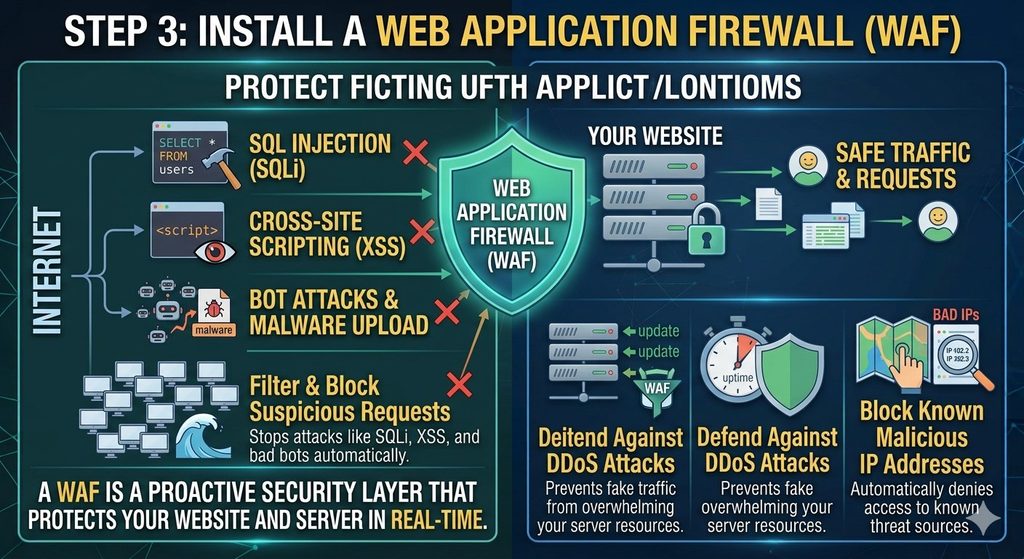
A good WAF also helps against DDoS attacks, which flood your server with fake traffic, and it can block known malicious IP addresses automatically. Many hosting providers and security plugins already offer a WAF, so check what your plan includes before buying a separate tool.
4. Scan Your Website for Malware Regularly
Some malware is silent. Your site may look perfectly normal while hidden code quietly steals data or sends spam. That is why regular scanning matters.
- Run a malware scan at least once a week, or daily for busy sites.
- Use a trusted scanner that checks files, databases and outgoing links.
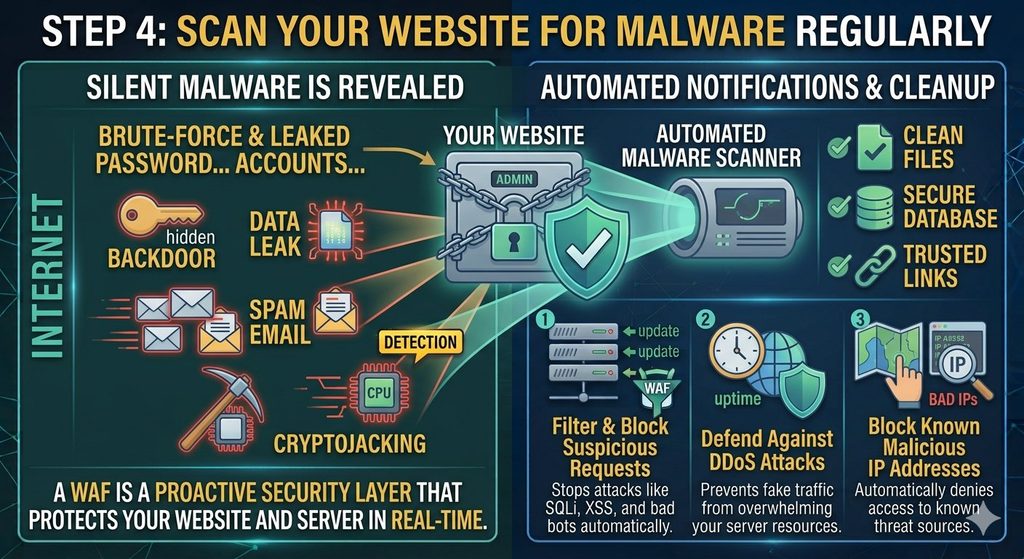
- Watch for warning signs: sudden traffic drops, unknown admin users, slow loading, strange pop-ups or a “this site may be hacked” warning in Google results.
- Set up alerts so you are notified the moment something suspicious is found.
The earlier you detect malware, the cheaper and easier it is to remove.
5. Back Up Your Website Frequently
Even with the best defences, no site is 100% safe. A reliable backup is your safety net. If an attack happens, you can restore a clean version in minutes instead of rebuilding from scratch.
- Take automatic backups daily or weekly, depending on how often your content changes.
- Store backups off-site, such as in cloud storage, and not only on the same server.
- Keep several older versions, because an infection may sit unnoticed for days before you find it.
- Test your restore process at least once, so you know it works when you need it.
A backup does not stop an attack, but it turns a disaster into a minor inconvenience.
6. Limit User Access and Permissions
Not everyone who works on your site needs full control. The more people with admin access, the more chances for a stolen or careless login to cause damage.
- Give each person only the access their role needs.
- Remove accounts of former team members and freelancers immediately.
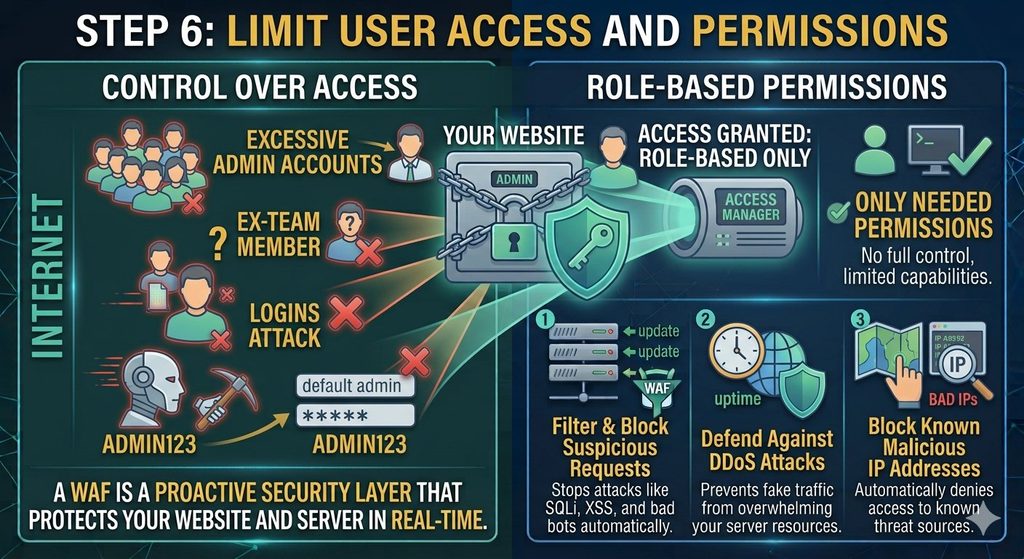
- Change the default admin username and hide your login page where possible.
- Limit login attempts so repeated wrong passwords lock the user out.
- Set correct file permissions on your server so attackers cannot freely write files.
Fewer open doors means fewer ways for malware to enter.
7. Choose a Secure Web Hosting Provider
Your host is the foundation of your website security. A weak hosting environment can undo all your other efforts. Look for a provider that offers:
- Free SSL certificates for secure HTTPS connections
- Server-level security scanning and firewalls
- Automatic daily backups
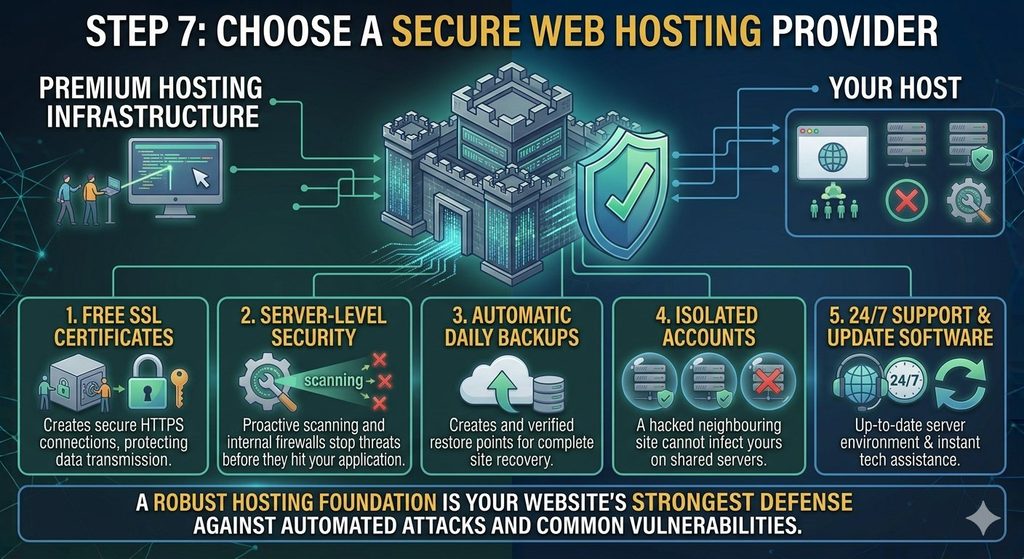
- Isolated accounts, so a hacked neighbouring site cannot infect yours
- Up-to-date server software and 24/7 technical support
Secure hosting handles many threats at the server level, before they ever reach your website.
What to Do If Your Website Is Already Infected
If you suspect an attack, act quickly:
- Put your site into maintenance mode to protect visitors.
- Change all passwords: hosting, CMS, FTP, database and email.
- Run a full malware scan and identify the infected files.
- Remove the infected code, or restore a clean backup taken before the infection.
- Update all software and close the vulnerability that was exploited.
- Request a review from Google if your site was flagged as unsafe.
If you are unsure how to clean the damage safely, contact your hosting provider’s support team for help.
Quick Website Security Checklist
Use this simple checklist every month to make sure nothing slips through:
- All plugins, themes and the CMS are on the latest version.
- Every admin account uses a strong, unique password with 2FA turned on.
- The firewall is active and blocking suspicious traffic.
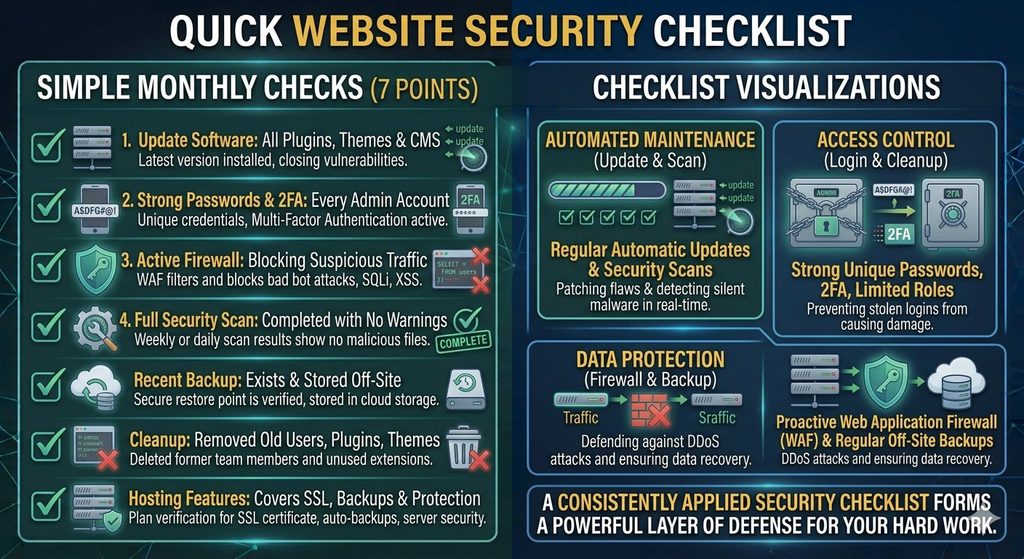
- A full security scan has been completed with no warnings.
- A recent backup exists and is stored off-site.
- Old users, plugins and themes have been removed.
- Your hosting plan still covers SSL, backups and server-level protection.
Ticking all seven boxes takes less than half an hour, and it keeps your website in strong shape all year.
Frequently Asked Questions About Malware and Website Security
1. What is malware on a website?
Malware is malicious code placed on a website or server to steal data, damage files, redirect visitors or misuse server resources. It usually enters through outdated software, weak passwords or insecure plugins.
2. How do I know if my website has malware?
Common signs include sudden traffic drops, unexpected redirects, unknown files or admin users, slow performance and browser security warnings. A scheduled malware scan is the most reliable way to confirm.
3. Can small websites really get hacked?
Yes. Most attacks are automated and target vulnerabilities, not specific people. Small sites are often easier targets because they skip basic security steps.
4. Is an SSL certificate enough to stop malware?
No. SSL encrypts the data between your visitor and your server, but it does not remove infections or block hackers from exploiting outdated software. It works best as one layer in a bigger security plan.
5. How often should I scan my website for malware?
Weekly is a good minimum. For ecommerce or high-traffic sites, daily scanning is safer.
6. Can malware affect my SEO and Google rankings?
Yes. Google can flag or blacklist infected sites, and hidden spam links can push your rankings down. Cleaning the site and requesting a review usually restores visibility, but it can take time.
7. Are free security plugins good enough?
Free plugins offer useful basic protection, such as login limits and simple scanning. However, busy or business-critical sites benefit from paid features like real-time firewalls and automatic cleanup.
8. Can malware spread from one website to another on the same server?
It can, especially on poorly isolated shared hosting. That is why choosing a host with account isolation and server-level protection is so important.
9. How long does it take to remove malware from a website?
A simple infection can be cleaned in a few hours, while a deep infection with multiple backdoors may take a few days. A recent clean backup makes recovery much faster.
10. What is the best way to prevent malware attacks?
There is no single fix. The best approach combines regular updates, strong passwords with 2FA, a firewall, frequent scans, off-site backups, limited user access and secure hosting.
Conclusion
Website security is not a one-time setup. It is a habit. Keep your software updated, use strong passwords with 2FA, add a firewall, scan for malware regularly, back up often, limit access and choose a secure host. Together, these 7 steps make your site a much harder target for hackers and protect the trust you have built with your visitors.
Start with the easiest steps today, such as updating your plugins and enabling two-factor authentication, and build from there. A few minutes of prevention can save you from days of recovery. Remember that no website is ever completely immune, but consistent effort makes a real difference. Review your security settings every month, stay alert to unusual activity, and act quickly when something looks wrong. Strong malware protection is built through small, regular habits, and those habits will keep your visitors, data and reputation safe.
Leave a Reply