
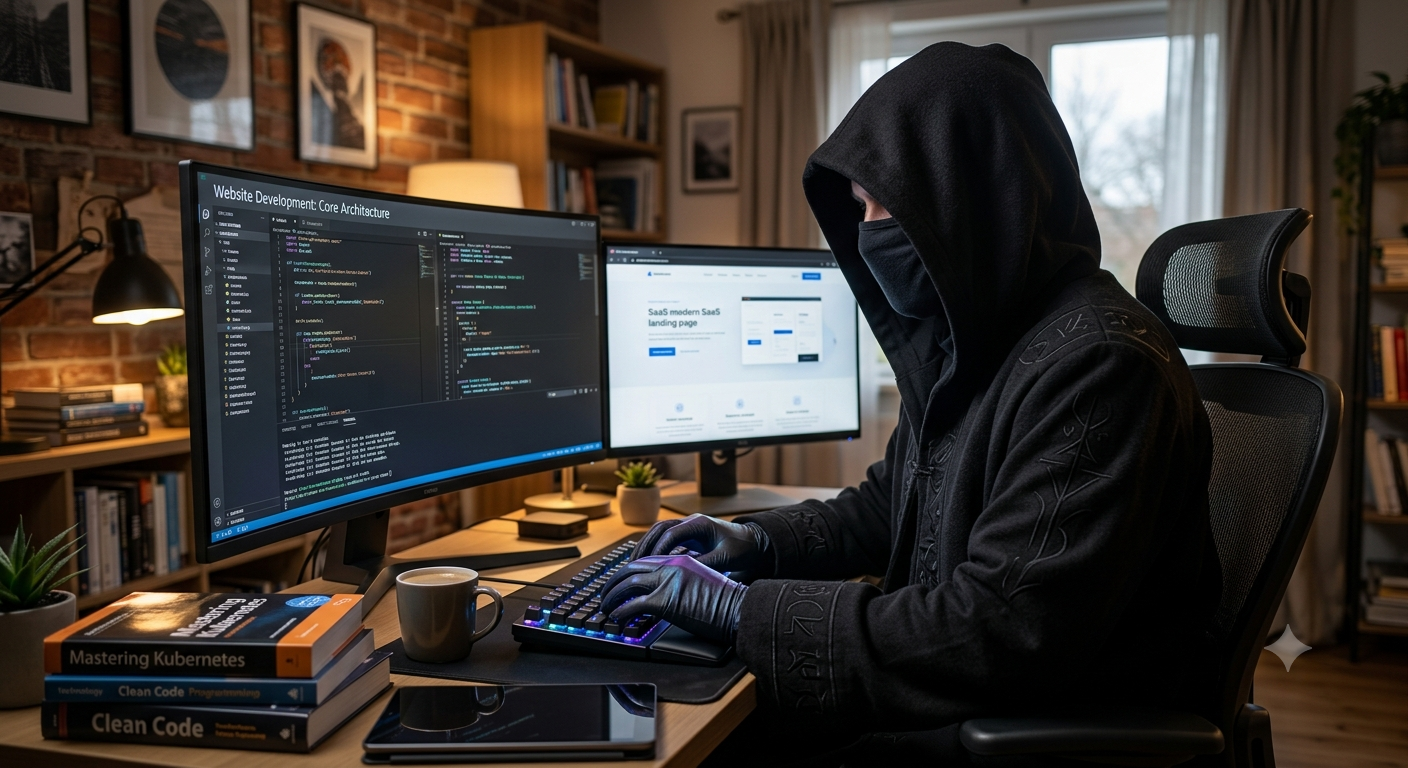


Imagine waking up one morning and finding that your website has been hacked by a hacker.
Your homepage has been replaced, customers can’t log in, strange files are appearing on your server, or worse, sensitive information may have been exposed. For a business owner, this isn’t just a technical headache. It can mean lost sales, unhappy customers, damaged reputation, and hours—or even days—of trying to put everything right.
Unfortunately, website attacks are not going away in 2026. Hackers are constantly finding new ways to exploit outdated software, weak passwords, vulnerable plugins, poorly protected accounts, and insecure websites.
The good news? You don’t have to be a cybersecurity expert to make your website much harder to attack by a hacker.
A few sensible security measures can go a long way against hackers. Here are 10 practical ways to protect your website from hacker attacks in 2026.
Table of Contents
Below are the 10 ways to to Secure Your Website in 2026 from hackers:
1. Keep Everything Updated to Protect Your Website from Hackers
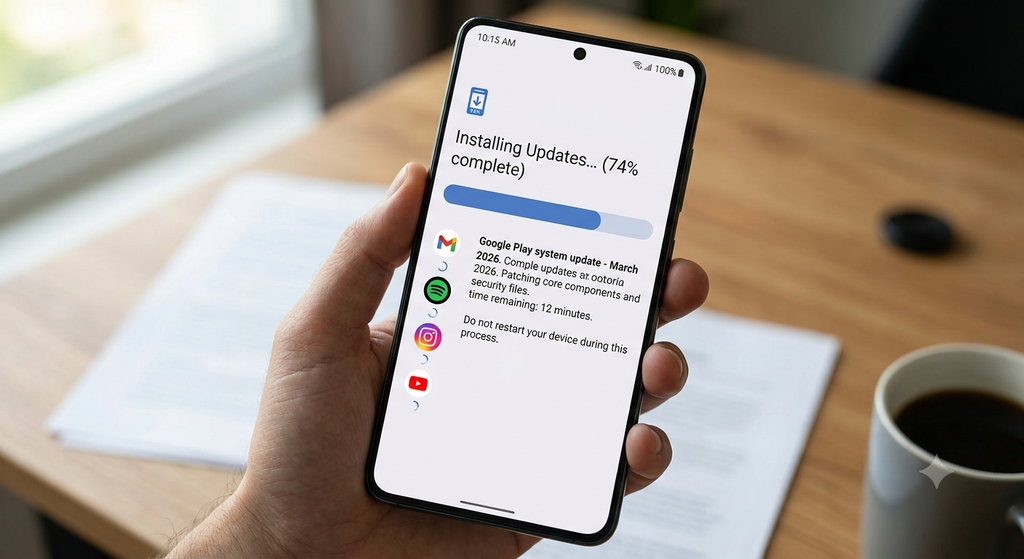
It sounds simple, but keeping your website updated is one of the easiest things you can do to improve security.
Your website probably relies on several different pieces of software—perhaps WordPress, plugins, themes, JavaScript libraries, a web server, or other applications. These tools occasionally have security vulnerabilities, and once a vulnerability becomes public, hackers may quickly start looking for websites that haven’t installed the relevant fix.
That’s why those update notifications shouldn’t be ignored forever.
Keep your CMS, plugins, themes, frameworks, and server software up to date. At the same time, remove software you aren’t using anymore. An old, forgotten plugin can create an unnecessary security hole.
Before making major updates, it’s sensible to have a recent backup and, if possible, test the changes first to protect your website from hackers
A good routine to protect against hackers is given below:
- Installing security updates promptly to avoid hackers
- Removing unused plugins and themes
- Downloading software only from reputable sources
- Checking for security advisories
- Keeping your hosting environment updated
Think of updates as fixing broken locks. The sooner you replace a faulty lock, the less opportunity there is for someone to use it against you.
2. Use Strong Passwords and Turn On MFA

A surprisingly large number of website attacks start with something as ordinary as a stolen password.
People often reuse passwords across different websites or choose passwords that are easy to remember but also easy to guess. If one of those passwords is leaked somewhere else, an attacker may try it on your website.
Use a long, unique password for every important account, especially administrator accounts. A password manager can make this much easier because you don’t have to remember dozens of complicated passwords.
3. Make Sure Your Website Uses HTTPS
That’s one of the visible signs that a website is using HTTPS.
HTTPS encrypts info which is travelling between a visitor’s browser & your site. This is particularly important when people are entering passwords, personal details, payment information, or other sensitive data.
If your website still allows visitors to use an unsecured HTTP connection, make sure traffic is redirected to HTTPS and that your SSL/TLS certificate is valid and properly configured.
HTTPS isn’t a magic shield against hackers—it won’t stop every type of attack—but it is a basic requirement for a modern website.
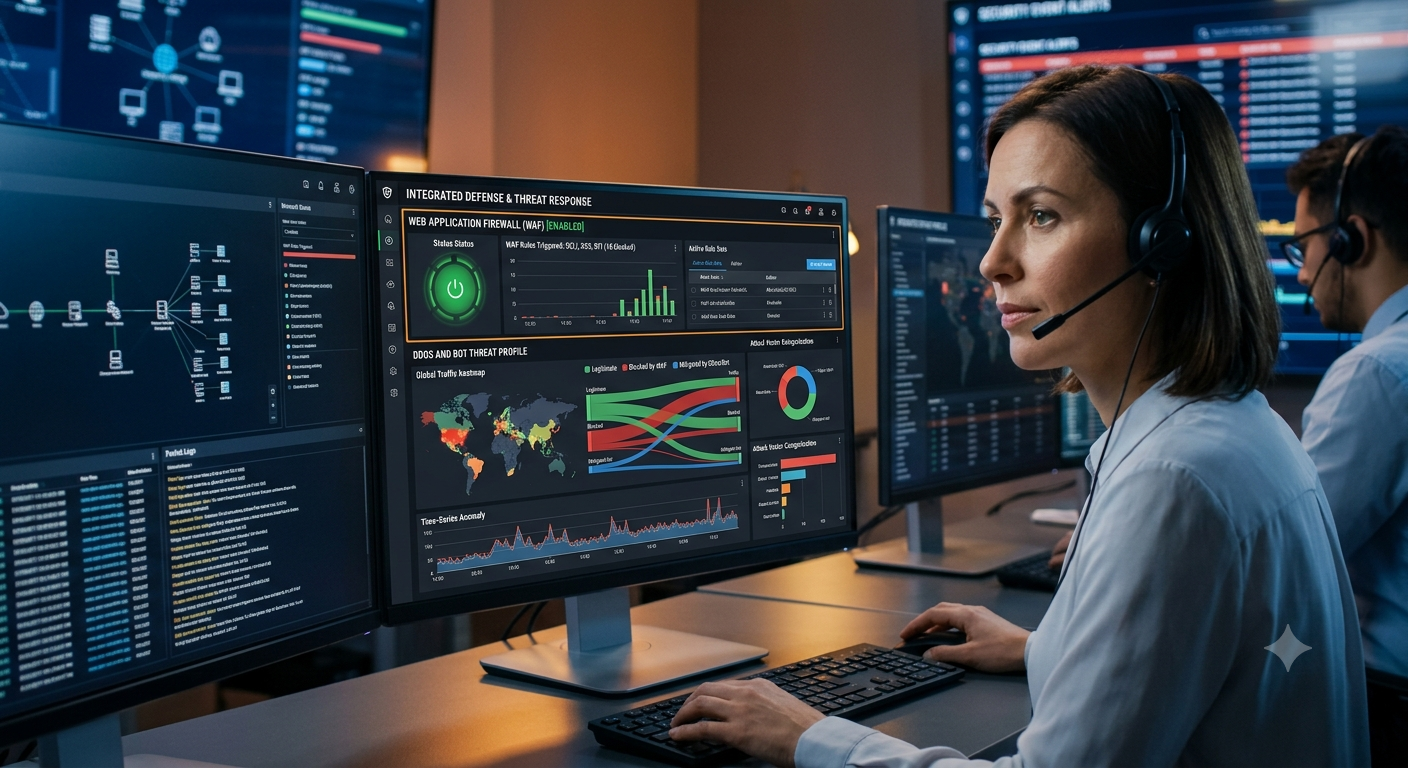
4. Put a Web Application Firewall in Place
Think of a Web Application Firewall (WAF) as a security guard standing between your website and the internet.
Instead of allowing every request to reach your website unchecked, a WAF can examine incoming traffic and block certain requests that look malicious.
Depending on the service you use, a WAF may help protect against things such as:
- SQL injection attempts
- Cross-site scripting attacks
- Malicious bots
- Suspicious traffic
- Automated attacks
- Certain DDoS activity
Hence, protecting from hackers
This can be particularly useful if your website receives a lot of traffic or is frequently exposed to automated attacks.
Just remember that a WAF is one layer of security, not a replacement for secure coding, updates, strong passwords, and good website administration.
5. Be Careful With User Input
Whenever your website allows visitors to submit information—through login forms, search boxes, contact forms, comments, or checkout pages—you need to think about what could happen if someone enters something malicious.
Two common examples are SQL injection and cross-site scripting (XSS).
SQL injection can happen when an application doesn’t safely handle information sent to a database.
Developers can reduce these risks by treating user input carefully rather than assuming it is safe.
That means using appropriate input validation, parameterized database queries, secure output encoding, and up-to-date development frameworks.
If you’re building a website or web application, security should be part of the development process from the beginning—not something you worry about after an attack.
6. Keep Reliable Backups
If you’re not sure about the website security, it’s time to review your backup strategy.
Backups won’t stop a hacker from breaking into your website, but they can make recovery much easier. If files are deleted, a database is damaged, or ransomware locks your systems, a clean backup can help you get back online.
Ideally, don’t keep every backup sitting on the same server as your live website. If an attacker gains control of that server, they may be able to compromise the backups too.
And don’t simply assume your backups work.
Test restoring them from time to time. A backup is only useful if you can actually restore your website from it.
7. Give People Only the Access They Need
Here’s another common mistake: giving too many people administrator access.
Your content writer probably doesn’t need access to your server. Your web designer may not need access to your billing system. And a temporary contractor certainly shouldn’t keep administrative access months after their project has ended.
This is where the principle of least privilege comes in.
Give users only the permissions they need to do their jobs.
Regularly review your:
- Administrator accounts
- Hosting accounts
- Database users
- FTP/SFTP accounts
- API keys
- Cloud permissions
- Third-party integrations
Remove old accounts and unnecessary permissions.
If one account is compromised, limiting its privileges can prevent an attacker from gaining control of your entire website.
8. Keep an Eye on What’s Happening
Website security isn’t just about putting up barriers. You also need to know when something unusual is happening.
For example, if someone logs into your administrator account at 3 a.m. from an unfamiliar location, creates a new administrator account, or suddenly changes dozens of files, you want to know about it.
Depending on your setup, security monitoring can help flag things like:
- Repeated failed login attempts
- Unexpected administrator logins
- New user accounts
- Changes to important files
- Unusual traffic
- Suspicious redirects
- Unexpected database activity
You don’t necessarily need to stare at your website’s logs all day. Automated alerts and monitoring tools can help bring important problems to your attention.
The earlier you spot an intrusion, the more options you usually have.
9. Prepare for DDoS and Bot Attacks
Not every hacker is trying to steal information.
Sometimes the goal is simply to overwhelm your website so genuine visitors can’t access it.
That’s what happens during a Distributed Denial-of-Service (DDoS) attack. Attackers send huge volumes of traffic toward a website or service, potentially slowing it down or taking it offline.
Automated bots can also create problems by repeatedly trying to log in, scraping content, submitting forms, or searching for vulnerable areas of your website.
Depending on your needs, measures such as rate limiting, bot protection, content delivery networks (CDNs), and DDoS mitigation services can help.
The key is to make sure your protection is configured sensibly. You don’t want to block legitimate customers while trying to stop bad traffic.
10. Don’t Wait for a Breach to Check Your Security
One of the worst times to discover a security weakness is after someone has already exploited it.
Regular security checks can help you find problems before attackers do.
A security review might include checking your website for outdated software, vulnerable dependencies, incorrect permissions, malware, configuration problems, and other weaknesses.
For more complex websites or businesses handling sensitive information, professional vulnerability assessments and penetration testing can be worthwhile.
It’s also smart to have a basic incident-response plan.
If your website is hacked, who should you contact? How will you take the affected system offline? Where are your backups? How will you restore the website? Who needs to be informed?
Having answers to those questions before an emergency happens can save valuable time.
Conclusion
You don’t need a huge cybersecurity budget to make your website safer.
In many cases, the basics make a significant difference: keep everything updated, use strong passwords, enable MFA, use HTTPS, maintain good backups, restrict access, monitor your website, and regularly check for vulnerabilities.
Most importantly, don’t think of website security as a one-time job.
Your website changes. New software gets installed. New vulnerabilities are discovered. New employees and contractors get access. The threat landscape changes too.
A website that is secure today still needs attention tomorrow.
The goal isn’t to make your website completely impossible to attack—that isn’t realistic. The goal is to make it a much harder target, spot problems quickly, and make sure you can recover if something does go wrong.
FAQs
Q. What is the biggest website security risk in 2026?
A. There’s no single threat that affects every website. Stolen credentials, outdated software, vulnerable plugins, phishing, malicious bots, insecure code, and server misconfigurations are all common risks. Your biggest risk will depend on your website and the information it handles.
Q. How can I protect my website from hackers?
A. Start with the basics. Keep your software updated, use unique passwords, enable MFA, use HTTPS, maintain reliable backups, limit user permissions, use appropriate firewall protection, monitor your website, and conduct regular security checks.
Q. Is HTTPS enough to protect my website?
A. No. HTTPS protects information while it travels between a visitor and your website, but it doesn’t prevent every type of cyberattack. You still need secure accounts, updated software, safe application code, backups, access controls, and monitoring.
Q. Should I enable MFA on my website to secure it from hackers?
A. Yes, especially for administrator and other privileged accounts. MFA adds another layer of protection if someone’s password is stolen or exposed.
Q. How often should I back up my website from hackers?
A. It depends on how often your website changes. An online store or frequently updated website may need daily or more frequent backups, while a simple brochure website may need less frequent backups. Whatever schedule you choose, test your backups regularly.
Q. What does a Web Application Firewall do?
A. A WAF sits between your website and incoming web traffic and can identify and block certain suspicious requests. It can help defend against several types of malicious activity, including some SQL injection, XSS, bot, and automated attacks.
Q. Can hackers target small websites?
A. Absolutely. hackers often use automated tools to scan thousands of websites looking for known vulnerabilities. Your website doesn’t have to be famous or large to be targeted.
Q. How can I tell if my website has been hacked by a hacker?
A. Unexpected redirects, strange pages, unknown administrator accounts, unfamiliar files, browser security warnings, unusual login activity, or sudden changes to your website can all be warning signs. If you notice something suspicious, investigate it rather than ignoring it.
Q. Are security plugins enough to protect a WordPress website?
A. No. Security plugins can be helpful, but they aren’t a complete security strategy. Keep WordPress and its plugins updated, use strong authentication, secure your hosting environment, maintain backups, limit permissions, and follow good security practices.
Q. How often should I check my website security?
A. Security should be reviewed regularly and whenever you make major changes to your website. Businesses handling sensitive information may also benefit from professional vulnerability assessments or penetration testing at appropriate intervals.
A little preparation today can save you a lot of trouble tomorrow.
Leave a Reply