



In today’s digital world, knowing how to create website is no longer just a technical skill. It’s almost a life skill. If you are a student building a portfolio, a small business owner trying to grow online, or someone starting a blog, having your own website gives you identity, credibility, and opportunities.
A few years ago, creating a website required coding knowledge and technical expertise. But in 2026, things are completely different. Today anyone can learn how to build a website with the right guidance and tools. This article is a complete website creation guide for beginners. We’ll understand the parts of a website, explore platforms, go through proper website creation steps, and understand why Word Press is considered the best platform to create a website.
Table of Contents
1. What Is a Website and Why Does It Matter?
A website is simply a collection of web pages available on the internet under one domain name. But, it is much more than that. A website can be:
- Your personal brand
- Your online resume
- Your business store
- Your blog
- Your portfolio
- Your income source
Today, before trusting a person or business, people search them on Google. If you don’t have a website, That’s why learning how to create website is becoming essential today.
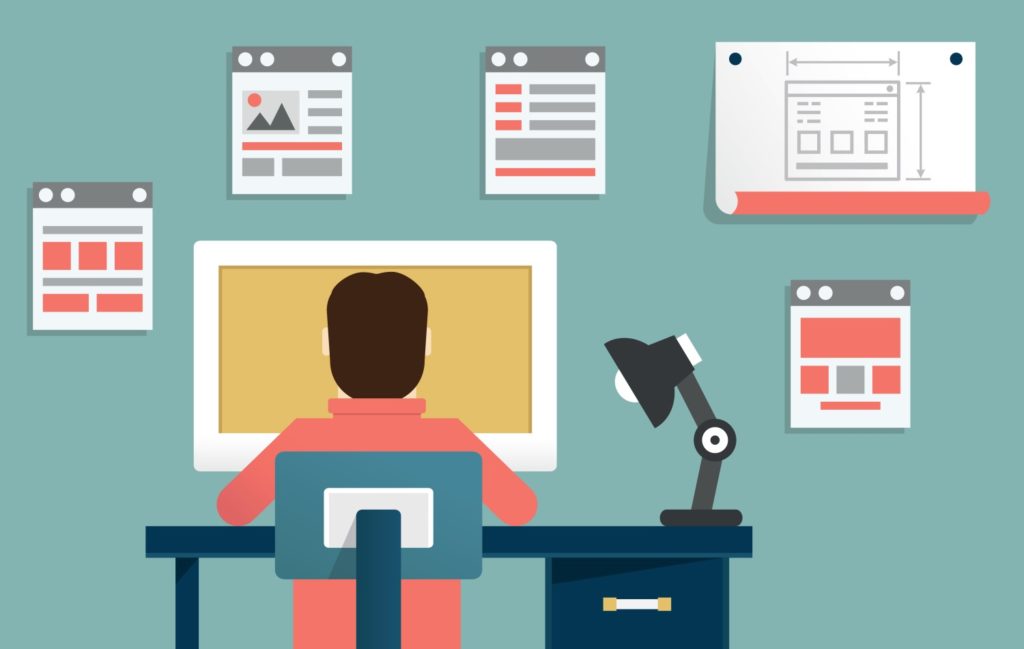
2. Understanding the Basic Parts of a Website
Before jumping into platforms, it’s important to understand the structure of a website. This helps you make better decisions during website development for beginners.
1. Domain Name
A domain name is your website’s address, like:
- google.com
- amazon.in
- yourname.com
It should be short, memorable, and relevant to your brand.
2. Web Hosting
Web hosting is the space where your website files are stored. When someone opens your website, the hosting server delivers your content to their browser. Without hosting, your website cannot exist online.
3. Website Pages
Common pages include:
- Home page
- About page
- Blog page
- Services page
- Contact page
These pages together form the structure of your website.
4. Content
Content like:
- Text
- Images
- Videos
- Blogs
Good content is what keeps users engaged and helps your site rank better on Google.
5. Design and User Interface
Design is how your website looks and feels. A clean layout, easy navigation, and mobile friendly design are extremely important today. Understanding these basic elements makes the entire website creation guide much easier to follow.
3. Website Creation Steps
let’s go step by step and understand the real process of how to create website in a practical way.
Step 1: Decide Your Website Goal
First, be clear about why you want to build a website.
- For Blog?
- For Business?
- For Portfolio?
- E-commerce?
Your goal is the main aspect which decides the next steps.
Step 2: Choose a Domain Name
Pick a name that is:
- Easy to spell
- Easy to remember
- Related to your niche
- Not so long
This is one of the most important website creation steps.
Step 3: Buy Web Hosting
Choose a reliable hosting provider that offers:
- Good speed
- Strong uptime
- Customer support
- WordPress support
Most hosting companies today provide easy Word Press installation.
Step 4: Select a Platform to Build Your Website
This is where many beginners get confused. There are many website platforms available, such as:
- WordPress
- Wix
- Shopify
- Blogger
- Squarespace
Step 5: Design Your Website
Choose a theme or template, customize colors, add pages, and create your layout.
Step 6: Add Content
Add valuable content like:
- Blogs
- Service pages
- About page
- Contact information
Content basically gives life to your website.
Step 7: Publish and Promote
Once everything is ready, publish your website and start sharing it on social media, WhatsApp, and with your network. These are the core website creation steps followed by professionals too.
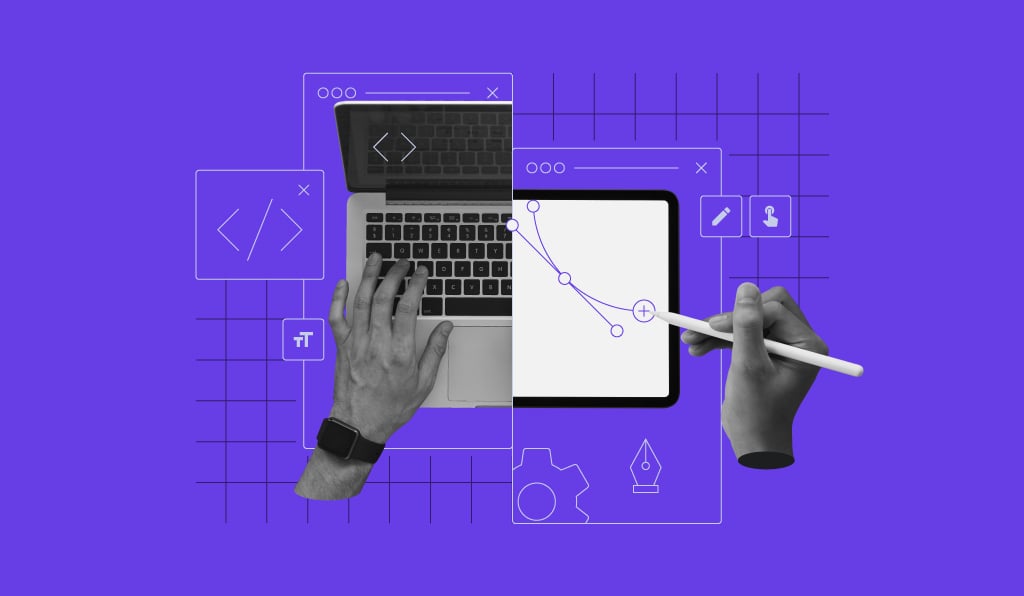
4. Popular Platforms to Create a Website
When learning how to build a website, choosing the right platform is very important. Let’s look at the most popular options.
WordPress – WordPress is the world’s most used website platform. More than 40% of all websites on the internet are built using WordPress.
Wix – Wix is beginner friendly and drag and drop based platform. It’s easy to use but has limitations when you want to grow your website.
Shopify – Shopify is mainly for e-commerce websites. It’s good for online stores but not flexible for blogging and content heavy sites.
Blogger – Blogger is free but very limited in design, features, and professional growth.
Squarespace – Squarespace offers beautiful designs but is expensive and less flexible compared to WordPress.
The big question: Which is the best platform to create a website?
5. Why WordPress Is the Best Platform to Create a Website ?
1. Beginner Friendly
Word Press does’nt require coding knowledge. WordPress allows easy installation, easy dashboard, and simple content editing. This is what makes it perfect for website development for beginners.
2. Full Control and Ownership
Unlike Wix or other builders, WordPress gives you complete control over your website. You own your content, your design, and your data.
3. Thousands of Free Themes
You can change your entire website design with one click using themes. There are themes for:
- Blogs
- Business sites
- E-commerce
- Portfolios
- News websites
4. Powerful Plugins
Plugins are like apps for your website. They add features such as:
- SEO optimization
- Security
- Speed optimization
- Contact forms
- Backups
This flexibility is why WordPress is considered the best platform to create a website.
5. SEO Friendly
WordPress is built for SEO. With plugins like Yoast SEO or Rank Math, your content can rank much better on Google. If your goal is traffic and visibility, WordPress wins.
6. Scalable for Future
You may start with a small blog today, but tomorrow you can convert it into a business, e-commerce store, or large platform without changing your system. That’s why most professionals recommend Word Press in every serious website creation guide.

6. Common Mistakes Beginners Make
During website development for beginners, many students make mistakes. Learn from them early.
- Choosing free unreliable hosting
- Ignoring mobile friendly design
- Copying content from other websites
- Using too many plugins
- Not focusing on SEO
A good website creation guide always teaches you to focus on quality, not shortcuts.
7. The Future of Website Creation in 2026
In 2026, websites are no longer optional. AI tools, automation, and personalization are growing, but the basics does remain the same:
- Strong content
- Good user experience
- Fast websites
- SEO optimization
Platforms will evolve, but Word Press is also evolving with AI plugins, performance updates, and modern editing tools. That’s why even today, experts still recommend WordPress as the best platform to create a website.
8. Conclusion
Learning how to create website may feel confusing at the beginning, but once you understand it, structure, tools, and process, it becomes exciting. This complete website creation guide showed you:
- The basic parts of a website
- Proper website creation steps
- Popular platforms comparison
- Why WordPress is best
- How beginners can start confidently
In today’s digital India, knowing website development for beginners is not just a skill, it’s a powerful advantage.
9. FAQ
- How to create a website as a beginner?
To create a website, start by choosing a domain name and web hosting, install WordPress, pick a theme, create important pages, and publish your content. This is the easiest method for beginners in 2026.
- Can I build a website without learning coding?
Yes, you can easily build a professional website without coding using platforms like WordPress. This is why it is perfect for website development for beginners.
- How long does it take to create a website?
If you are using WordPress, you can create a basic website within a few hours. A more detailed and professional website may take a few days depending on your content and design.
- What is the most important step in website creation?
Choosing the right platform and good hosting is one of the most important website creation steps. A strong foundation makes your website faster, safer, and scalable.
- Do websites need regular updates?
Yes. A website needs regular content updates, plugin updates, and security checks. This keeps your website fast, secure, and ranking better on Google.
- Do I need technical skills for website development for beginners?
No. Website development for beginners does not require technical skills anymore. Platforms like WordPress make everything simple with dashboards, themes, and plugins.
Leave a Reply