
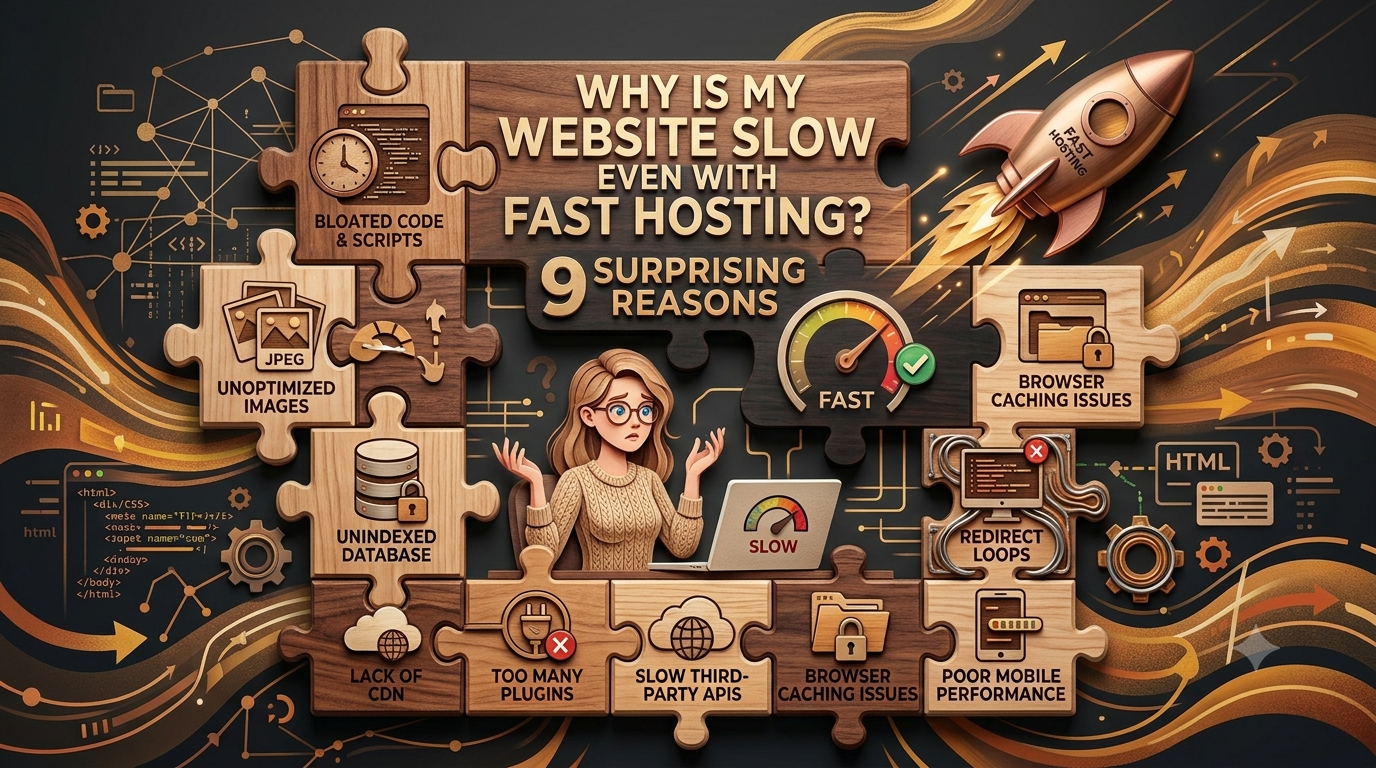


Your website is loading slowly, so you decided to upgrade it as fast as possible, but even premium fast hosting does not help. You’ve upgraded to a premium hosting plan. Your server is running very smoothly, uptime looks quite great, & yet your website still feels very, very slow. Your pages take too long to appear, your Core Web Vitals are stuck in the red or even orange, & all the visitors are left staring at a loading screen.
You are not alone in this; everyone is sailing in the same boat. Hosting is only one piece of the performance puzzle. A fast server has the capability to deliver your HTML quickly, but that doesn’t mean the rest of the page will load quickly. Your images, caching setup, DNS, scripts, fonts, redirects, & even the way your HTML is structured can all slow things down.
Look at the 9 possible reasons that can solve your problem:
Table of Contents
‘Over-Lazy’ Loading Images Above the Fold
Lazy loading is a standard that is used by website owners for conserving bandwidth & reducing network contention. However, if you are overusing it, this will become a front-end mistake.
If you apply loading="lazy" to images in the initial viewport (above the fold)—such as your main hero image—you introduce a major delay to your Largest Contentful Paint (LCP). You can see this easily. The web transparency data & A/B testing show a clear and concise pattern.
We researched comparing pages with & without lazy-loaded images and found a noticeable difference in LCP performance. With lazy loading, above-the-fold images were delayed.
Images visitors see immediately → load early.
Images they need to scroll to → lazy-load.
The Caching “Buster”: Invisible Tracking Parameters (gclid / srsltid)
When you are facing problems in the website even when there is fast hosting, look for cached pages or images. Your homepage & category pages might be cached perfectly in theory, but in the real world, they suffer from hidden cache misses. When real users arrive at your site via Google Ads or Google Merchant Center, their URLs often have tracking parameters (like ?gclid=... or ?srsltid=...).
Because these query parameters make the URL look “new” to your CDN or server cache, the cache layer is quietly bypassed. Instead of serving a pre-rendered page instantly, your server is forced to fully regenerate the page on every single click. Real user data shows that tracking parameter cache misses can make Time to First Byte (TTFB) over 100% worse on affected pageviews. Check how your CDN handles common tracking parameters. If they don’t affect the actual content of the page, configure your caching rules so they don’t unnecessarily create separate cache entries.

Your CSS & JavaScript Are Blocking the Page Even with Fast Hosting
Imagine your hosting gives you an excellent 300ms TTFB. That sounds great, right? But your visitor still sees a blank or incomplete page. Why? Because getting the HTML to the browser is only the beginning. CSS & synchronous JavaScript loaded in the <head> can prevent the browser from rendering the page until those files have been downloaded, parsed, & processed. Over time, websites tend to accumulate more & more of these files:
- Plugins you no longer use
- Large stylesheets
- Consent-management scripts
- A/B testing tools
- Analytics scripts
- Marketing tags
So you can have an extremely fast server that delivers a page quickly — only for the browser to spend another few seconds figuring out what to do with it. Audit your CSS & JavaScript. Remove anything you don’t need, defer non-critical JavaScript, & make sure critical CSS is available as quickly as possible.
Excessive DOM Size & Nesting Depth

DOM is known as the Document Object Model. It is the structure that represents your page. Modern page builders, CMS templates, & several JavaScript frameworks often generate excessive nested HTML elements (divs inside divs inside divs).
An excessively large DOM damages speed in 3 ways:
- Lighthouse Warnings: Google Lighthouse issues a warning once your page exceeds 800 nodes, and flags an error at 1,400 nodes.
- Style Recalculations & Reflows: As your DOM grows, the browser has to work exponentially harder to calculate styles and map out layouts.
- User Interaction Lag: A heavy DOM directly impacts Interaction to Next Paint (INP). When users try to scroll or click, they experience stuttering because style recalculations block the browser’s main thread.
Cumulative Latency from Redirect Chains
Redirects (like 301 & 302 status codes) are important for migrations & URL changes, but they are a silent page speed killer. Because redirects happen behind the scenes, developers often treat them as minor technical details.
However, redirect performance is cumulative in nature. A single redirect might take a manageable 50ms to 200ms. But as sites evolve, legacy rules often stack up, creating various “redirect chains” . If a visitor clicks a link that hops through 3 redirects, they accumulate 600ms of latency before the final destination page can even begin loading. On mobile devices or distant connections, this geographic & network latency compounds rapidly, prompting users to abandon the site before it even renders.
Tracking Pixel “Creep” and Main-Thread Exhaustion
Analytics are very important. So are heatmaps, advertising pixels, chat widgets, session-recording tools, good hosting platform, personalization platforms, & other third-party services. The biggest problem is that they all have a cost. JavaScript is known to run primarily on the browser’s main thread, which means your marketing & analytics tools can end up competing with the code responsible for rendering & responding to user interactions. Thus websites develop “pixel creep.”

Pixel creep is basically you install one analytics tool. Then another. Then a heatmap. Then a chat widget. Then an advertising pixel. Then someone adds another tracking script for a campaign — & 6 months later, nobody knows or remembers why half of them are still there.
The First-Domino Delay: Slow DNS Resolution
Good hosting does not mean everything will work smoothly. Your visitor’s browser can’t connect to your hosting server until it knows where that server is located. First, it has to resolve your domain name through DNS. If DNS resolution is slow or poorly configured, that delay happens before your hosting server even gets a chance to respond. This is quite easy to overlook. A website owner might spend thousands upgrading their hosting while leaving DNS on a slow or poorly optimized setup.
The Missing ‘Vary’ Header & CDN Misconfigurations
Review your CDN’s caching rules, cookie handling, cache-control headers, & vary configuration. The goal isn’t simply to “use a CDN.” The goal is to make sure the CDN is actually serving the right content from cache as often as possible without caching private or personalized content incorrectly.
Flash of Invisible Text (FOIT) from Heavy Web Fonts
Custom fonts can make a website look much better – but they can also create a surprisingly bad loading experience. Every font family and weight you load adds another resource for the browser to download. For example, if you’re loading:
- Italic
- Light
- Regular
- Medium
- Semibold
- Bold
…you could be downloading a lot more font data than you actually need. And if the browser is waiting for those fonts before displaying text, visitors may experience Flash of Invisible Text (FOIT). The page is technically loading, but important content appears blank until the font files arrive.
The Bottom Line
Website speed isn’t just a hosting problem. It’s a system problem. Great hosting gives you a strong foundation, but your visitors don’t experience your server in isolation. They experience the entire website:
DNS → CDN → redirects → server → HTML → CSS → JavaScript → images → fonts → third-party scripts → browser rendering
A bottleneck anywhere along that chain can make an otherwise powerful hosting setup feel slow. So before upgrading your server again, take a closer look at everything happening after — and even before — your server responds. Sometimes the fastest way to make a slow website faster isn’t buying better hosting. It’s removing the things that are making your fast hosting wait.
FAQs
Below are the related FAQs:
Q. Is good hosting important for a good functioning website?
A. Yes, a good hosting is very important for the smooth functioning of a website but hosting itself does not solve the problems that a website may suffer such as slow loading, 404 errors, etc. There must be other important elements combined to make a good hosting work for a good functioning of the website.
Q. How to check the speed of the website?
A. You can check your website speed by entering your site’s URL into various free online testing tools. One such tool is GTmetrix or Google PageSpeed Insights.
Q. How do you define a good website?
A. A good website is a fast, easy-to-use digital space that clearly achieves its main goal & also meets the needs of its visitors.
Q. Can I increase the performance of my website
A. Yes, you can significantly improve your website’s performance, even if you already have fast and reliable hosting. Website speed depends on more than just your server; your images, code, caching, scripts, fonts, and overall page structure all play an important role.
Start by optimizing your images. Compress large files and use modern formats such as WebP to reduce page size without noticeably affecting quality. You should also enable browser and server-side caching so returning visitors can load pages faster. Next, remove unnecessary plugins, JavaScript, CSS, and third-party tracking scripts. Too many resources can slow down the browser and make your pages less responsive.
Pingback 5 Best WordPress Download Websites for Fast Downloads - RootX Hosting
Pingback Domain vs Hosting: 7 Helpful Differences Every Beginner Should Know in 2026 - RootX Hosting
Pingback How Powerful Online Ads Can Skyrocket Your Sales 2026
Pingback Hacker Attacks: 10 Ways to Secure Your Website in 2026